Would you like to turn ChatGPT Plus into a personal assistant that can help manage your appointments and reminders, like the “Computer” from Star Trek? Here is how I did it with ChatGPT Plus.
I created a new Google Calendar and gave it a very Trekkie name (that’s optional) :). You can also use your main calendar but I wanted a separate one to have the option to delete it cleanly.
Then I connected Google Calendar to ChatGPT. You can browse the list of apps that can be connected or simply ask ChatGPT to connect it.
Then use the Voice Dictation tool, the little microphone image and ask it to create a new event or appointments with notifications on your calendar.
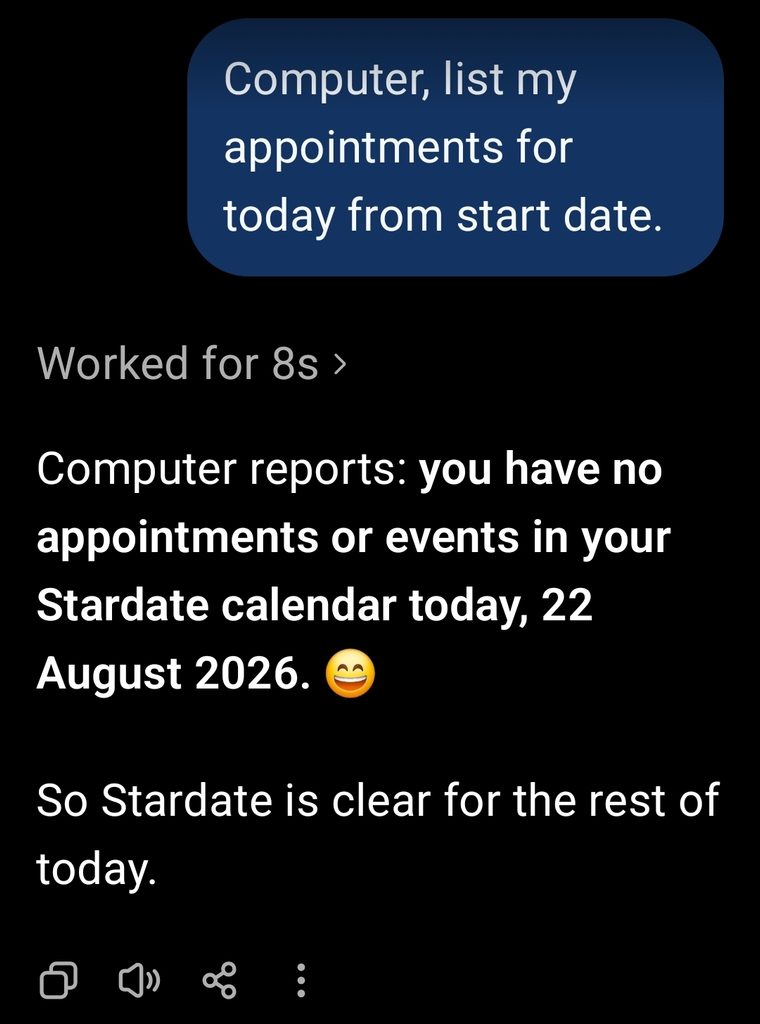
This is much better than creating reminders within the ChatGPT app because it has a limit of five. If you make it use the google calendar, you basically get almost unlimited reminders, appointments and notifications.
Plus, you get to feel like Deanna Troi when you open the app and say “Computer, list my appointments for today”.
Of course you would have to have installed Google Calendar on your phone for this to work. So that you can receive the notifications.